
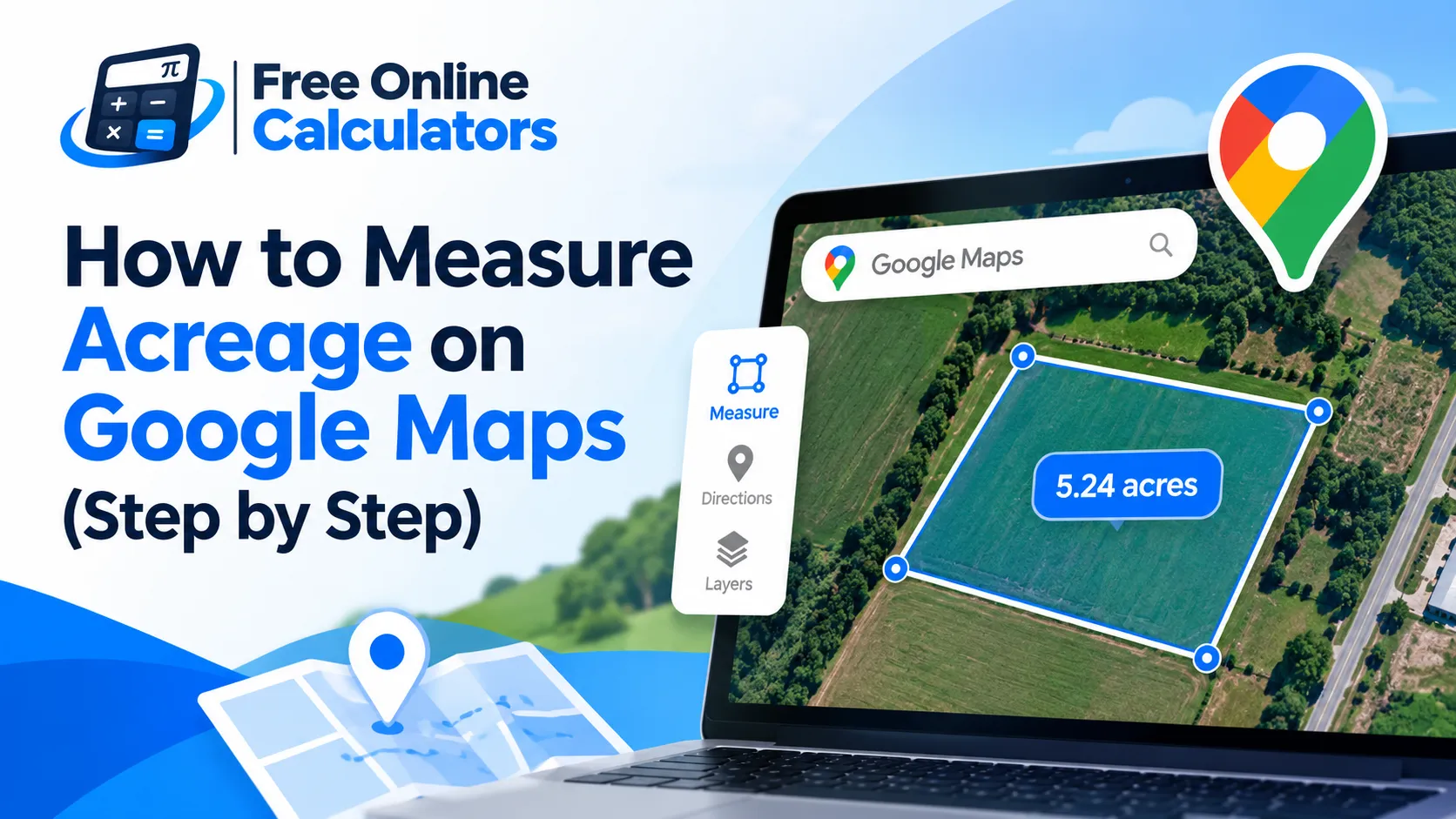
How to Measure Acreage on Google Maps (Step by Step)
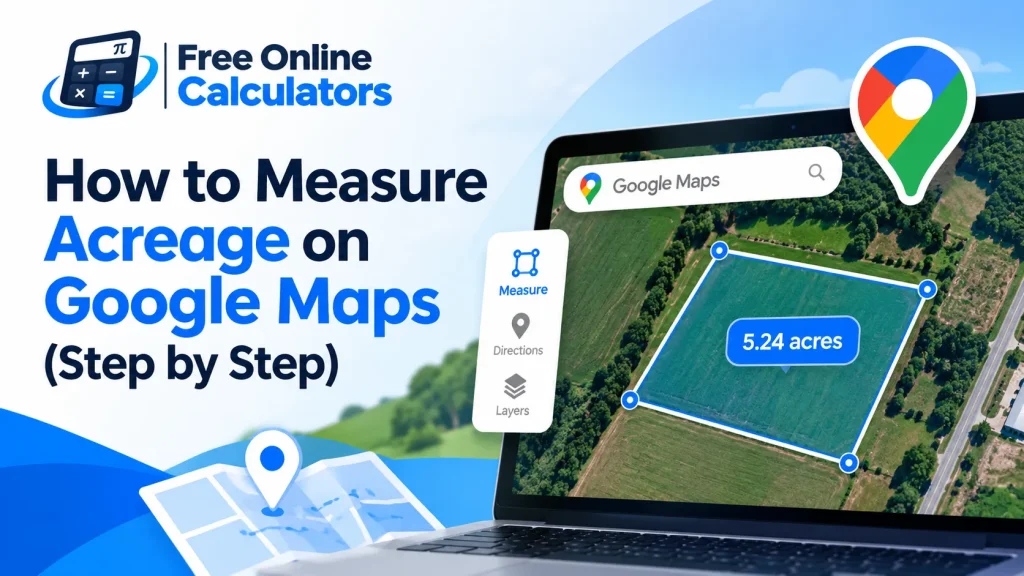
Google Maps can measure the area of a field, a lot, or a backyard from your browser in about a minute. It does not show acres by default, so this guide covers how to measure acreage on Google Maps, how to turn the area it reports into acres, and how far you can trust the number.
How to measure acreage on Google Maps on a computer
- Open Google Maps in a desktop browser and switch to Satellite view so you can see fence lines, roads, and tree rows.
- Zoom in until the first corner of the land fills a good part of the screen.
- Right-click the first corner and choose Measure distance.
- Click each corner of the boundary in order, going around the shape.
- Click the first point again to close the shape. Google Maps then shows the total distance around the edge and the total area inside it.
- Drag any point to fine-tune a corner; the area updates as you move it.
The area appears in square feet or square meters, depending on your unit setting. To turn it into acres, use the conversion in the next section or paste the figure into the acreage calculator.
Convert the Google Maps area to acres
One acre is exactly 43,560 square feet, or about 4,046.86 square meters:
Acres = Square feet ÷ 43,560
Acres = Square meters ÷ 4,046.86
Worked example
You trace a pasture and Google Maps reports a total area of 87,120 ft². Divide by 43,560 and you get exactly 2 acres. In metric, the same plot is about 8,094 m², or 0.81 hectares.
| Google Maps area | Acres | Hectares |
|---|---|---|
| 10,890 ft² | 0.25 | 0.10 |
| 21,780 ft² | 0.50 | 0.20 |
| 43,560 ft² | 1.00 | 0.40 |
| 217,800 ft² | 5.00 | 2.02 |
| 10,000 m² | 2.47 | 1.00 |
Measuring acreage on the Google Maps phone app
The phone app measures distance along a path, so it gives you side lengths rather than a closed area. Press and hold to drop a pin, tap the pin name, choose Measure distance, and move the map to measure each side. For a rectangle, multiply length by width; a field 330 ft by 660 ft is 217,800 ft², or 5 acres.
For an odd shape, split it into triangles, measure each one, and add them up. The triangle area calculator finds each piece from its three sides, so you never need a height.
How accurate is a Google Maps acreage measurement?
- Clicking error. Each corner you place can sit a few feet off the true line. If every edge of a 1 acre square lot lands 1.5 ft outside the true line, the area reads about 3 percent high.
- Imagery offset. Satellite photos can sit slightly off the true ground position, most of all in hilly or tree-covered areas.
- Flat area only. Google Maps measures the area as seen from above. A steep slope has more surface than its map area, which matters for seeding or fencing estimates.
- Not a legal boundary. Fence lines and hedges often wander off the deeded line. For a sale, a loan, or a dispute, use a licensed survey or the county plat.
Google Maps or Google Earth for acreage?
Google Maps is quickest for a rough number. Google Earth shows acres directly, keeps your shape so you can come back to it, and lets you work with older imagery. If you need those, follow the steps to measure acreage in Google Earth instead.
Common mistakes
- Leaving the shape open. Until you click the first point again, Google Maps shows only distance, not area.
- Zooming out too far. Place corners at a zoom level where you can see the fence posts or the edge of the pavement.
- Dividing square meters by 43,560. That constant is for square feet only.
Quick reference
Right-click, Measure distance, click every corner, close the shape, then divide square feet by 43,560. Turn any measurement into acres, hectares, or square feet with a free online calculator from CalculateGuide.