

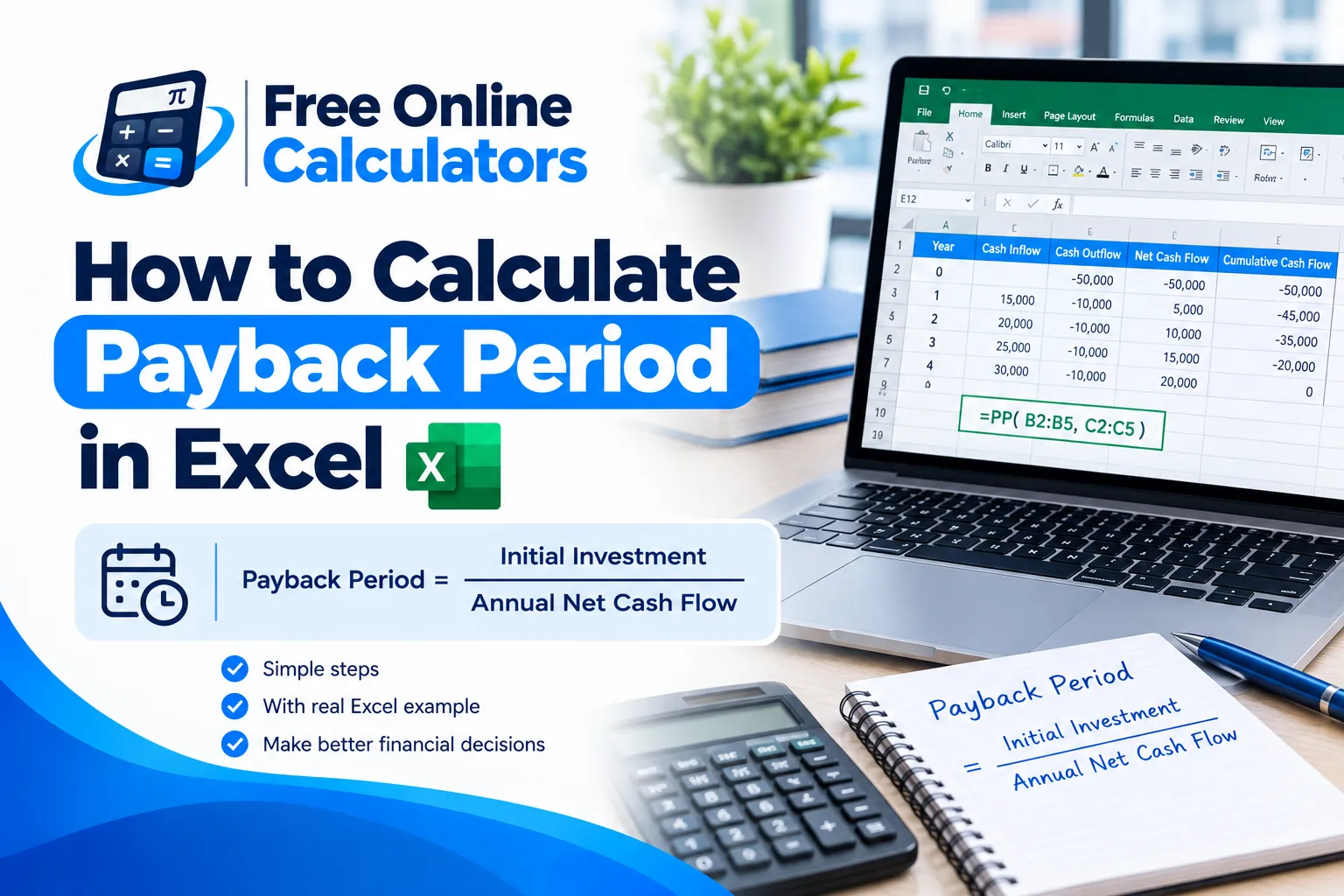
How to Calculate Payback Period in Excel

The payback period is how long an investment takes to earn back its cost. It is one of the quickest ways to judge risk: the sooner you get your money back, the less you depend on long-range forecasts. This guide shows how to calculate payback period in Excel for even and uneven cash flows, and how to build the discounted version.
The payback period formula
When the yearly cash flow is the same every year:
Payback period = Initial investment ÷ Annual cash flow
A $50,000 machine that saves $12,500 a year pays back in 50,000 ÷ 12,500 = 4 years. In Excel, with the investment in B1 and the yearly saving in B2, enter =B1/B2.
Payback period with uneven cash flows
Most projects earn different amounts each year, so you track the running total until it turns positive:
Payback = Years before recovery + Unrecovered amount ÷ Cash flow in the recovery year
How to calculate payback period in Excel step by step
Set up three columns: year, cash flow, and cumulative cash flow.
| A: Year | B: Cash flow | C: Cumulative | |
|---|---|---|---|
| 2 | 0 | −50,000 | −50,000 |
| 3 | 1 | 12,000 | −38,000 |
| 4 | 2 | 15,000 | −23,000 |
| 5 | 3 | 18,000 | −5,000 |
| 6 | 4 | 20,000 | 15,000 |
- In C2 enter =B2.
- In C3 enter =C2+B3 and fill down to C6.
- Find the last year the cumulative total is still negative: here year 3, with −5,000 left.
- Divide what is left by the next year’s cash flow: 5,000 ÷ 20,000 = 0.25.
The payback period is 3 + 0.25 = 3.25 years, or about 3 years and 3 months.
One formula that does it automatically
To get the result in a single cell that updates when the numbers change:
=COUNTIF(C3:C6,”<0″) + ABS(INDEX(C3:C6,COUNTIF(C3:C6,”<0″))) / INDEX(B3:B6,COUNTIF(C3:C6,”<0″)+1)
COUNTIF counts the full years still in the red (3), the first INDEX picks the last negative balance (−5,000), and the second INDEX picks the next year’s cash flow (20,000). The result is 3.25. The formula assumes the project does pay back within the years listed.
If you would rather not build the sheet, the payback period calculator takes up to five years of cash flows and returns both the simple and the discounted payback.
Discounted payback period in Excel
The simple payback ignores the time value of money. The discounted payback period first converts each cash flow to today’s money:
Discounted cash flow = Cash flow ÷ (1 + r)year
Put the discount rate in a cell such as F1 (10%) and add column D with =B3/(1+$F$1)^A3, then a cumulative column E. With the same project at 10 percent, the discounted cash flows are 10,909.09, 12,396.69, 13,523.67, and 13,660.27. The cumulative total is still −13,170.55 after year 3 and turns positive in year 4, so the discounted payback is 3 + 13,170.55 ÷ 13,660.27 = 3.96 years.
Simple vs discounted payback
| Measure | Result for the example | Considers time value of money? |
|---|---|---|
| Simple payback | 3.25 years | No |
| Discounted payback at 10% | 3.96 years | Yes |
Common mistakes
- Counting year 0 as a full year. Year 0 is the investment date, not a year of returns.
- Stopping at whole years. Add the fraction of the recovery year for an accurate figure.
- Ignoring cash after payback. Payback says nothing about returns after recovery, so pair it with NPV or IRR.
Payback tells you how fast; it does not tell you how good. For that, learn how to calculate IRR and NPV.
For loan and savings interest basics, see how to calculate simple interest.
No spreadsheet at hand? Use an online calculator free of setup on CalculateGuide instead.